On 8 September one shell command printed live OAuth access and refresh tokens into an AI agent’s session transcript. On 20 September a different command did it again. Both times the agent was doing something reasonable, and both times the result sat in a 3 MB file on disk that nobody reviews before it is written.
That is how our first guard hook started. There are five now, and every one of them has a story like that in its header, with a date and a number. This post walks through them, because the stories explain the design better than any principle we could have written in advance.
What a hook can see
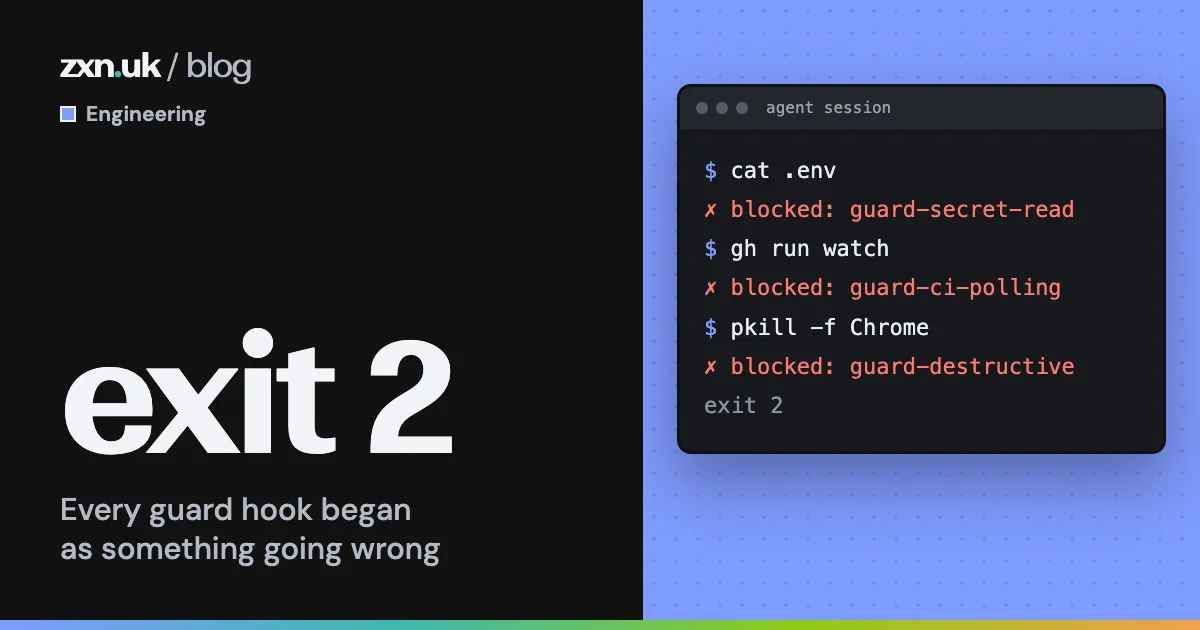
Claude Code, the agent we use most, can run a script before every tool call. For shell commands that script gets the command as JSON on standard input. If it exits 0 the command runs. If it exits 2 the command is refused, and whatever the script printed to standard error goes back to the agent as feedback.
That is the whole mechanism. Our agents run with wide permissions so they can work unattended, which makes these scripts our hard stops. There are five on shell commands. A sixth checks that the browser is alive before any browser call, after a run of silent hangs, but that one is about time, not safety.
What a guard hook does with one command
Every shell command an agent proposes passes through five guard hooks before it runs.
grep -rn "API_KEY" .
Blocked (guard-secret-read): searching for a credential's NAME prints the line the value is on.
Use instead: grep -l (which files), grep -c (how many), or search for the PATH.
gh run watch
Blocked (guard-ci-polling): 'gh run watch' waits on CI in the foreground.
Arm auto-merge, check mergeStateStatus once, then end the turn.
git push --force origin main
Blocked (guard-destructive): force-push to main/master.
Rebase your feature branch and push that, with --force-with-lease.
The important limit is in the diagram: a hook sees the command, never the output. So it cannot spot a secret in a result. Our secret guard does not even try to match secret values, because searching for a value is what puts it on screen in the first place. It matches paths, flags and command shapes, and refuses the shapes whose output is likely to carry a value.
Five guards, five incidents
Secret reads, 20 September. The two leaks had the same shape. The first was a keychain lookup with a flag that prints the stored password. The second was a recursive grep for a credential’s variable name, which found exactly what it was asked for: the line in an environment file where that name sits next to its value. The guard now refuses value-printing readers aimed at secret-bearing paths, and any search for a credential-shaped name that could print the matching line. Searches that only list files or count matches are fine.
Blocked (guard-secret-read): searching for a credential's NAME prints the line the value is on.
Use instead: grep -l (which files), grep -c (how many), or search for the PATH rather than the name.
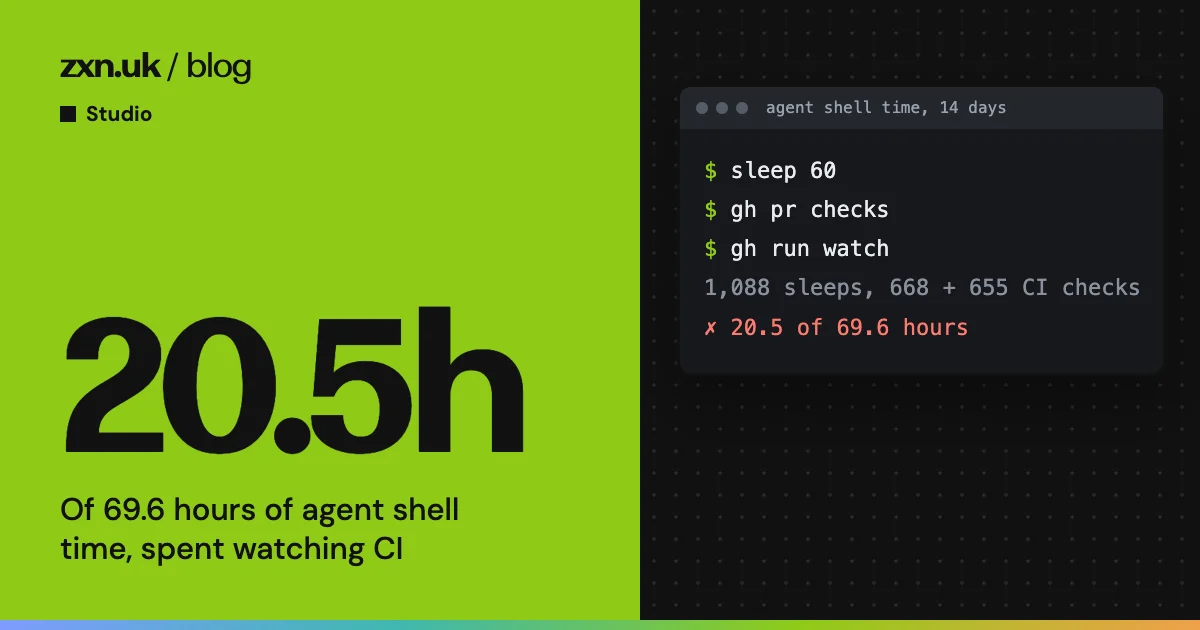
CI polling, 23 September. In the 14 days to 23 September, 20.5 of 69.6 hours of agent shell time went on waiting for CI. Auto-merge was already on for every active repo, so the waiting bought nothing: the pull request would merge by itself once the checks passed.
Waiting on CI, 14 days to 23 September
Commands agents ran while waiting for a CI run to finish.
Source: Header of our CI-polling guard, 23 September 2026
The guard blocks gh run watch, gh pr checks --watch, any sleep of 30 seconds or more, and loops that query CI between sleeps. One-off status checks still pass, and so does anything sent to run in the background, because that does not hold the turn.
Blocked (guard-ci-polling): 'gh run watch' waits on CI in the foreground.
Do not wait on CI in a turn. Arm auto-merge: gh pr merge --squash --delete-branch --auto;
check gh pr view --json mergeStateStatus ONCE (DIRTY = rebase needed); then end the turn.
If a wait is genuinely needed, run it with run_in_background: true or use the Monitor tool.
Destructive commands, 12 October. Rule 2 of our agent rules said never to kill the Chrome that holds our console logins. It was free text, and nothing enforced it. We had confirmed that a plain kill loses every login in that profile, because Chrome keeps cookies in memory and only writes them out on a clean shutdown. The same was true of “never force-push to main”. The guard now refuses kills aimed at that browser, force-pushes to main or master, and recursive deletes of the home folder and a few other roots. Playwright’s own headless browsers stay killable, because agents leak those and need to clean up after themselves.
Blocked (guard-destructive): force-push to main/master.
Never rewrite main. Rebase your feature branch and push that: git push --force-with-lease origin <feature-branch>.
Heredoc writes, 12 October. In the 14 days to 12 October, 123 of 200 cat > commands wrote real project files through a heredoc: memory files, handover notes, Astro components, scripts. Those writes skip the agent’s own file tools, so they leave no diff in the transcript, no checkpoint to rewind to, and no check that the file was read before it was overwritten. The guard sends real file writes back to the edit tools. Temporary files are left alone.
Piped output, 3 November. This is the newest, and it became rule 22 of our agent rules the same day. The shape was a gate piped into tail -20 to keep the output short. A pipeline returns the exit code of its last command, so a failed gate still exits 0, and the line that says why it failed is almost never in the last 20. The next step then gets built on a green that was never there. The guard refuses a gate, test, build, push or deploy piped into tail or head, and its message shows the safe form: write everything to a file, check the real exit code, then read the file.
How we write a guard
Five scripts in, the same rules keep coming up.
Fail open on your own errors. If jq is missing, the JSON is odd or the command will not parse, the hook exits 0. A broken guard must never stop all work. There is a sharp edge here: a shell syntax error in a hook exits 2, which blocks every command in every session. Every hook now gets bash -n, shellcheck and its test cases before it is wired in.
Be fast, because it runs on every command. The hooks are plain bash, and each starts with a cheap exit for the large majority of commands that cannot match. The CI guard takes about 7 milliseconds. The first draft of the secret guard forked grep for every pattern and took 8.5 seconds on a 200-segment command. Bash’s own regular expressions do the same work in about 20 milliseconds.
Name the safe form in the block message. A bare “no” makes an agent try variations until one gets through. A message that says “use this instead” usually gets a reshaped command within a couple of retries.
Those block counts are from the two weeks to 12 October. They are not a list of disasters avoided. With about two retries per session, a block is usually an agent reaching for a habit, being told the better way, and taking it. That is the point. The guard does not need to be clever if the agent can read.
Allow the legitimate version of the same thing. Every guard has an allow list as long as its block list: one-off status checks, waits in the background, loops over input, file-name-only searches, killing a headless test browser. A guard that blocks honest work gets worked around, and then it protects nothing.
The fence is thin, and we know it
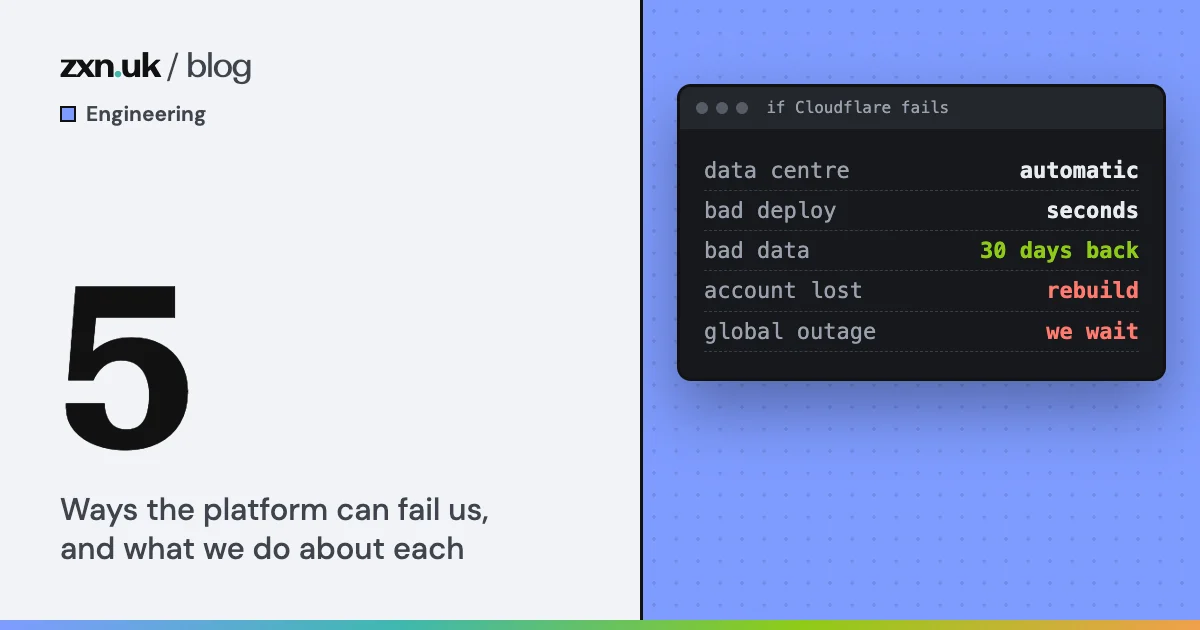
A sceptical engineer would say that running agents with wide permissions behind five bash scripts is a thin fence, and they would be right to say it. A hook reads the command, not the output, and an agent that wanted to could reshape a command to get round a pattern. We chose it for three reasons, and none of them is that it is airtight.
The alternative was a person approving every command. A prompt that gets clicked through by reflex protects nothing, while a narrow block with a clear message does. The guards also cover only things that have actually gone wrong, which keeps them small enough to trust. And they are one layer, not the whole defence.
What would make us tighten up is a guard being talked round rather than reshaped around, or a leak that the pattern could not have seen. So far the transcript evidence says agents usually take the better form within a couple of retries. If that stops being true, the fence needs to be thicker, not the agents more patient.